
How to cancel a Now membershipon July 17, 2023 at 09:35 Tech Advisor
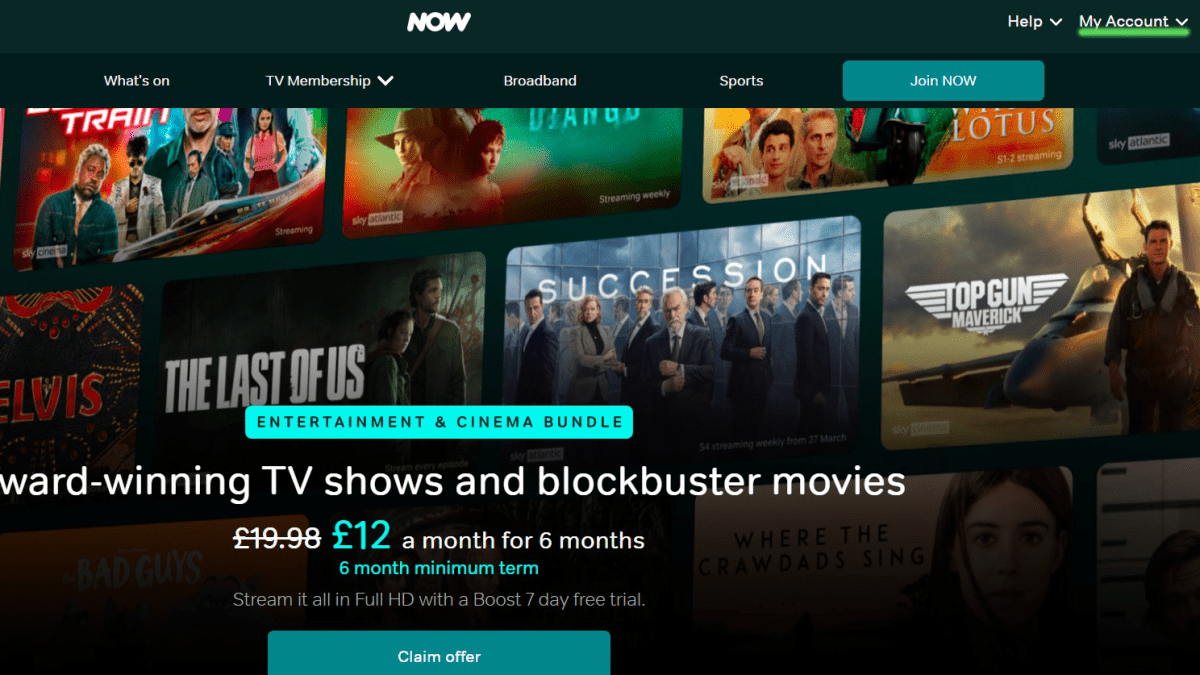
Now (previously known as Now TV) is a huge streaming service in the UK, being home to the critically acclaimed show Succession, as well as blockbusters like Top Gun: Maverick.
However, if you’ve bought a Now membership for something specific, then you may be considering cancelling – after all, monthly subscriptions can rack up over time, and saving pennies is a priority for a lot of us in 2023.
The process for cancelling is a little convoluted, but we’ve broken it down into easy-to-follow steps. This way, you can avoid possibly being charged by mistake. We have a similar article for cancelling Netflix.
If you’re thinking of subscribing to another platform, you can take a look at our roundup of the best TV streaming services.
How to cancel a Now membership
This method should apply to all the Now memberships, including Entertainment, Cinema, Sports, Hayu and Boost. As far as we can tell, each membership must be cancelled individually.
We cancelled our subscription through a web browser on a laptop – Now recommends using a PC or tablet, rather than a smartphone.
Time to complete: 5 minutesTools required: Laptop/PC, Now membership
Head to the Now website and click on ‘My account’
Hannah Cowton / Foundry
You can access the Now website here
Sign in to your Now account
Hannah Cowton / Foundry
If you’re already signed in, you can skip this step
Click on ‘Manage account’ from the homepage
Hannah Cowton / Foundry
The section you need to click on is in the drop-down menu under ‘My account’
Click on ‘NOW Membership’
Hannah Cowton / Foundry
This is under the section labelled ‘Your membership’
Select the membership you want to cancel
Hannah Cowton / Foundry
All active memberships show up on this page, and you’ll have to go through the cancellation process for each one
Scroll to the bottom of the page called ‘Don’t lose your special offer’ to continue cancelling
Hannah Cowton / Foundry
Select the black box that says ‘I’d still like to cancel’
Scroll to the bottom of the page called ‘Before you cancel, can we help?’ to continue cancelling
Hannah Cowton / Foundry
Select the box highlighted in red that says ‘Still want to cancel?’
Scroll to the bottom of the page called ‘Are you sure you want to cancel today? You’ll miss out on all these great benefits…?’ to continue cancelling
Hannah Cowton / Foundry
Click on the black box that says ‘Continue cancelling’
Scroll to the bottom of the page called ‘After you’ve cancelled, you can keep watching until [insert date]…’ to continue cancelling
Hannah Cowton / Foundry
Click on the black box that says ‘Continue cancelling’
You should now have cancelled your Now TV membership
Hannah Cowton / Foundry
Now will tell you how long you have left to stream, and will send you an email to confirm your cancellation
How to cancel Now if you pay through another provider
If you signed up for Now via BT, Apple, Amazon or TalkTalk then you’ll need to cancel through these providers separately. For Apple, you can manage it through your subscriptions on your phone. Amazon users can manage it in the section called memberships and subscriptions.
BT and TalkTalk users should contact their provider over the phone.
Streaming Media